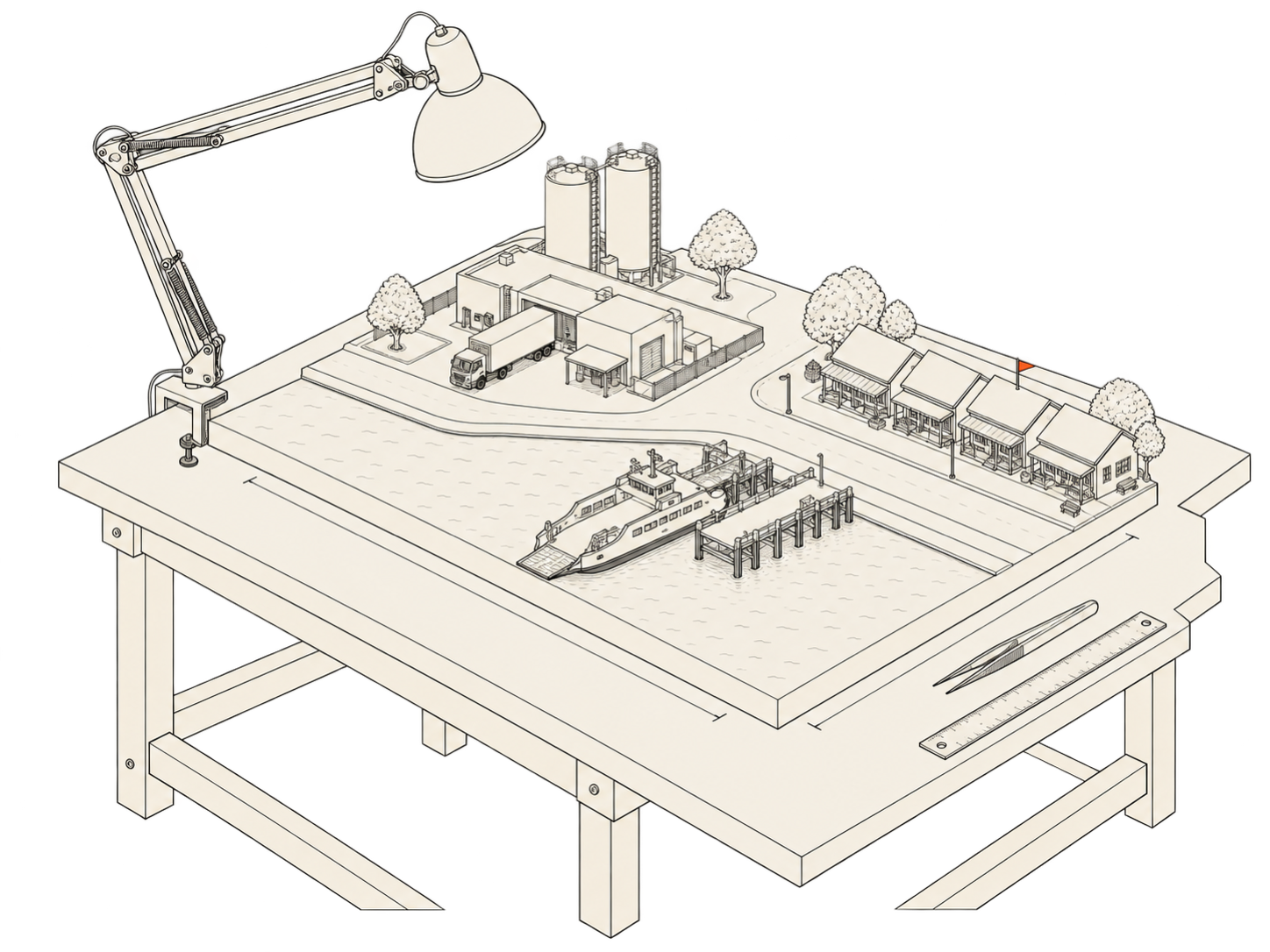

What your team gets
One screen for what needs attention, agents that bring a costed plan, and approval on every change
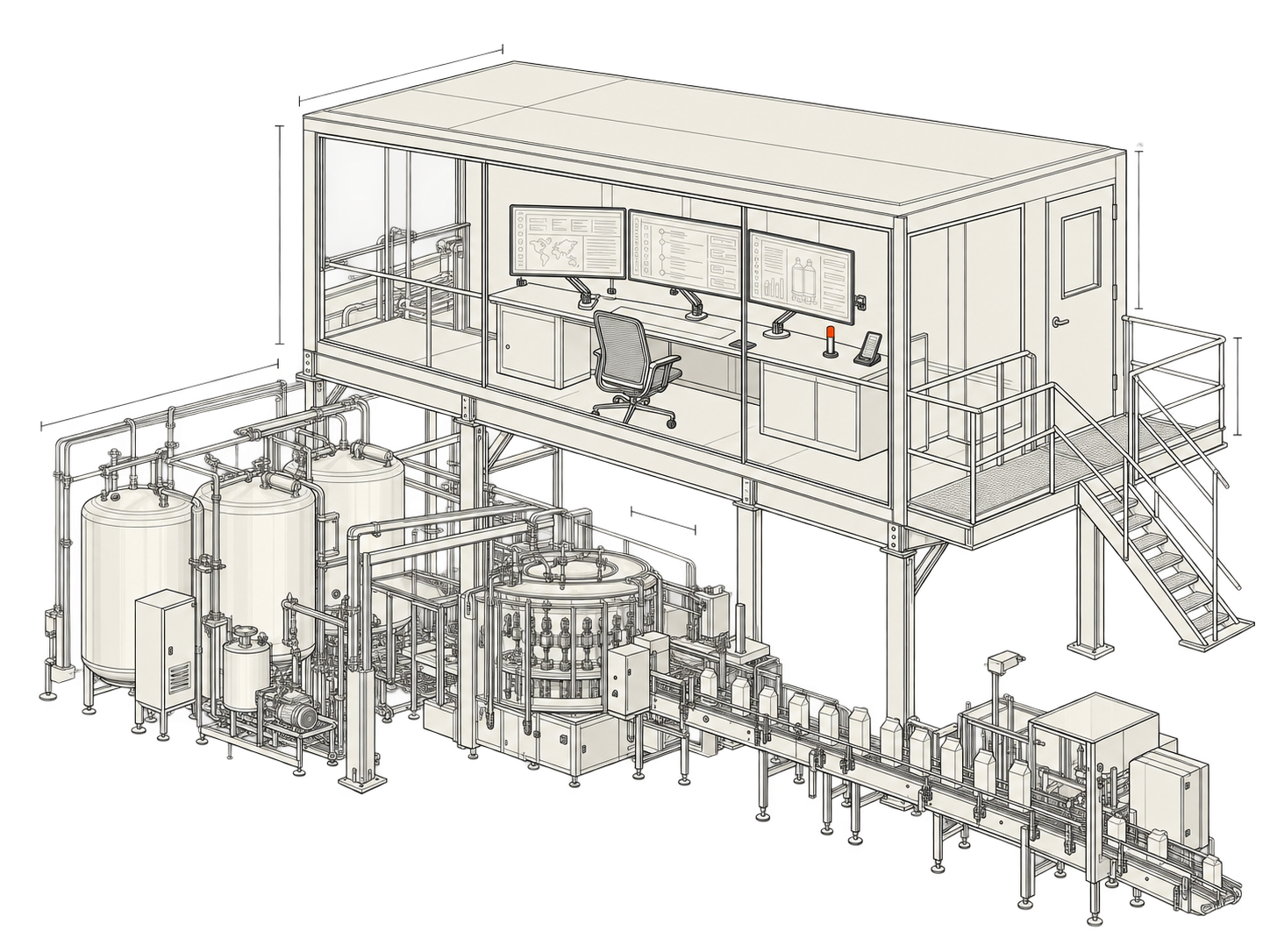
What your team sees
What needs attention now, on one screen or a phone, with answers to plain questions
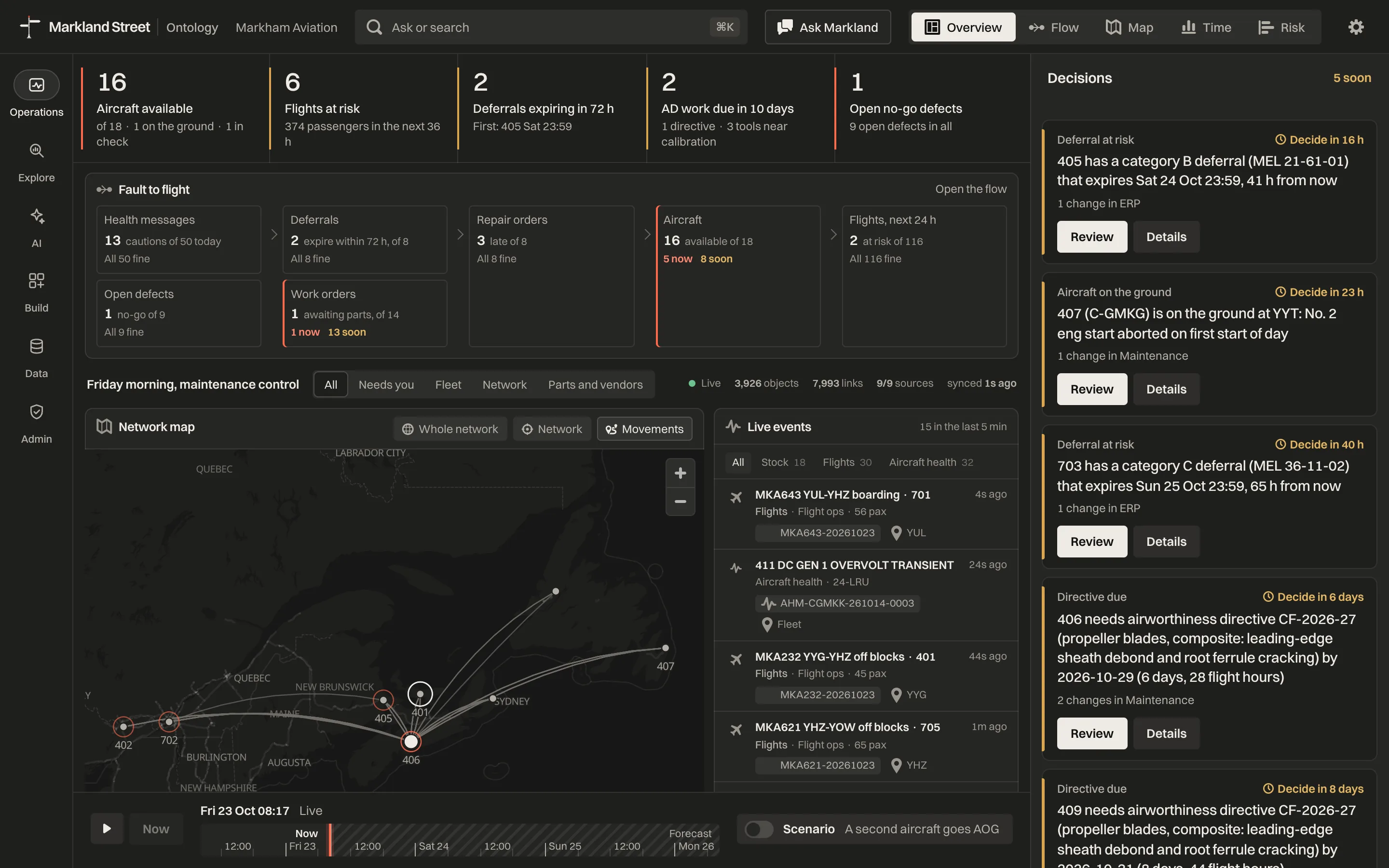
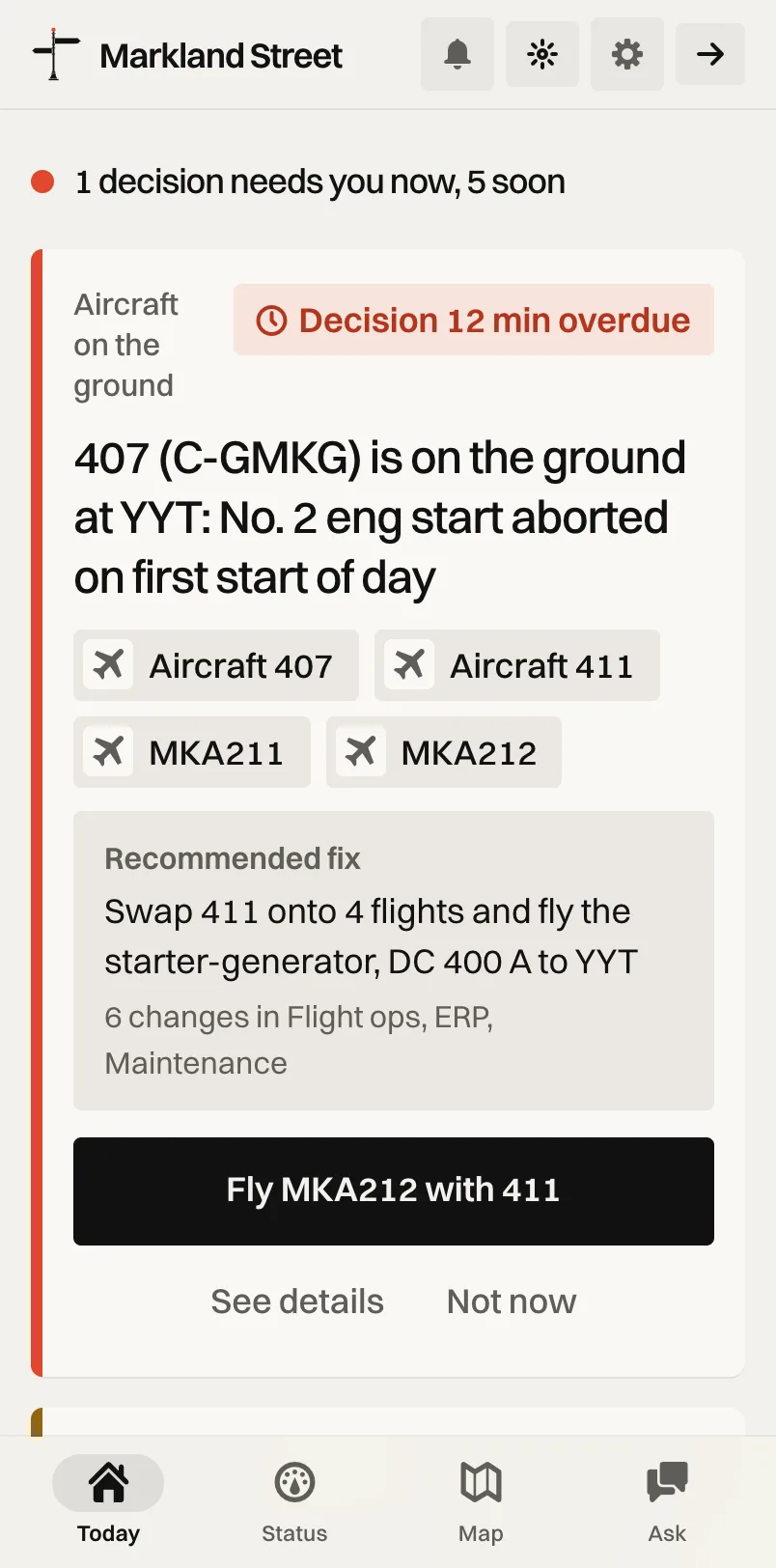
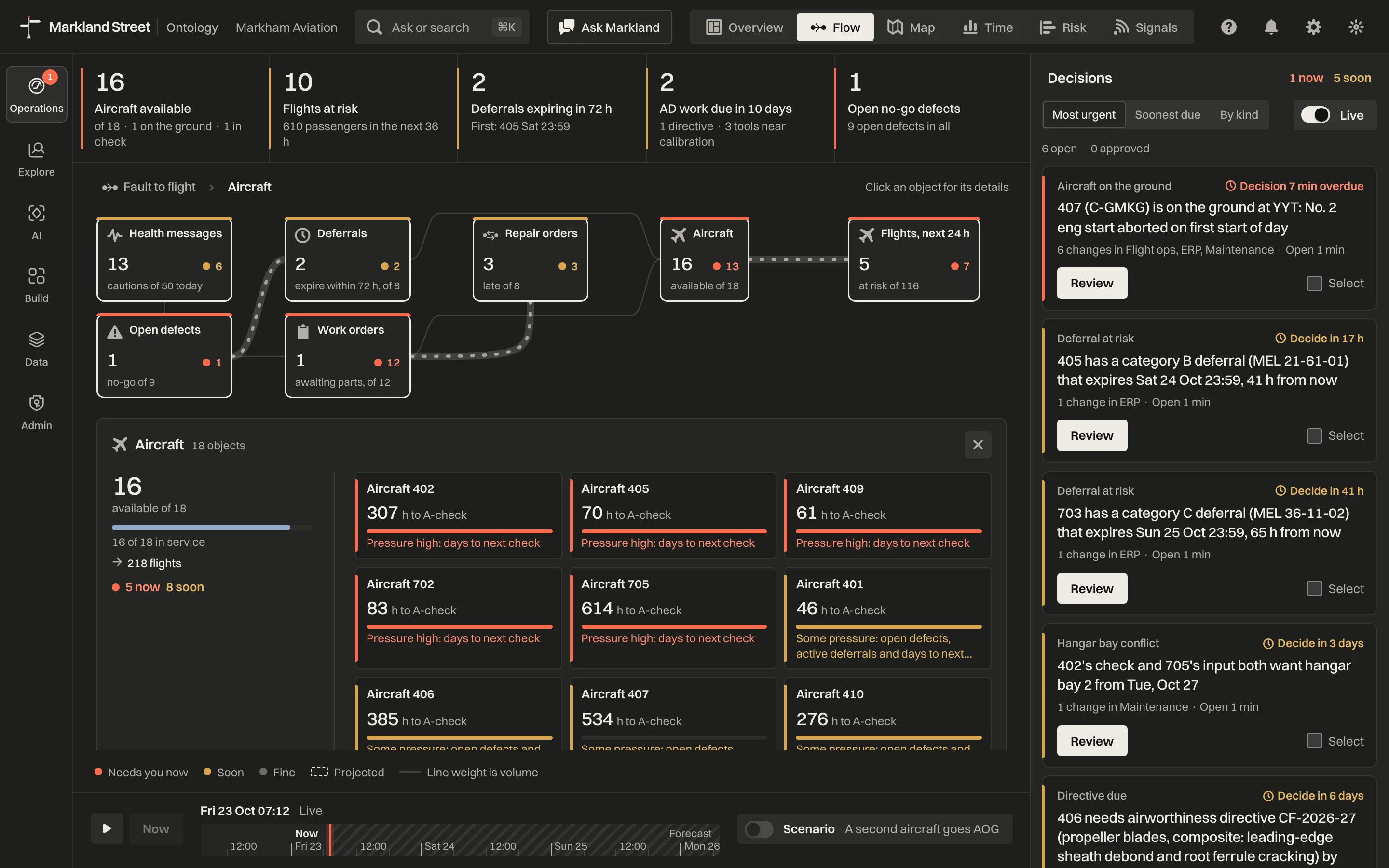
Screens from Markham Aviation, our sample airline on synthetic data
- Dashboards and reportsEach KPI defined once, used in every dashboard, report and briefing
- Screens for each deskBuilt without code from tables, maps, charts and action forms
- Scheduling boardsEvery move checked against your rules, with slot suggestions and a solver
- Discussion on every recordComments, mentions, a watch list and the full change history
- Photos and scans from a phoneKept on the record, found by barcode or QR scan
What agents do
Agents find a problem early, cost every way to fix it, then wait for a person
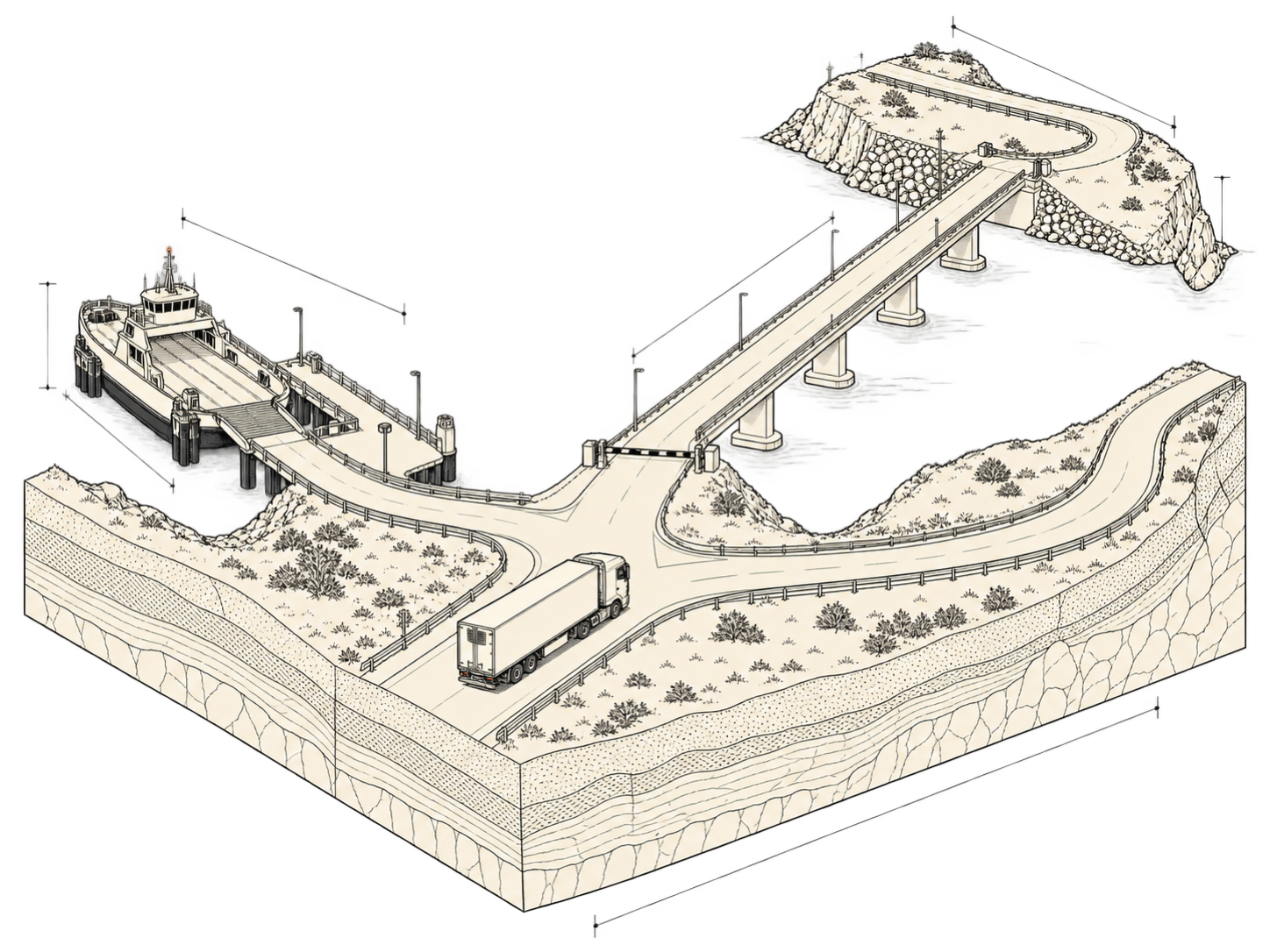
- Find the problem earlyA shop running out, a truck running hot, a part arriving late
- Watch sensors and metricsThresholds and trends on any reading, with alerts
- Forecast what's comingLow, likely and high cases, backtested on your history
- Read documentsPDFs, scans and emails into typed fields, each with its source passage
- Cost every way to fix itEach option with its price, its effect and what else it changes
- Show the reasoningEvery step and record read, kept as a replayable call tree
- Work through many at onceOne run per order, site or aircraft, within a cost limit
- Ask before decidingA run pauses for a person's answer, then resumes from the same step
- Wait for a personBy default, nothing is written until the right role approves
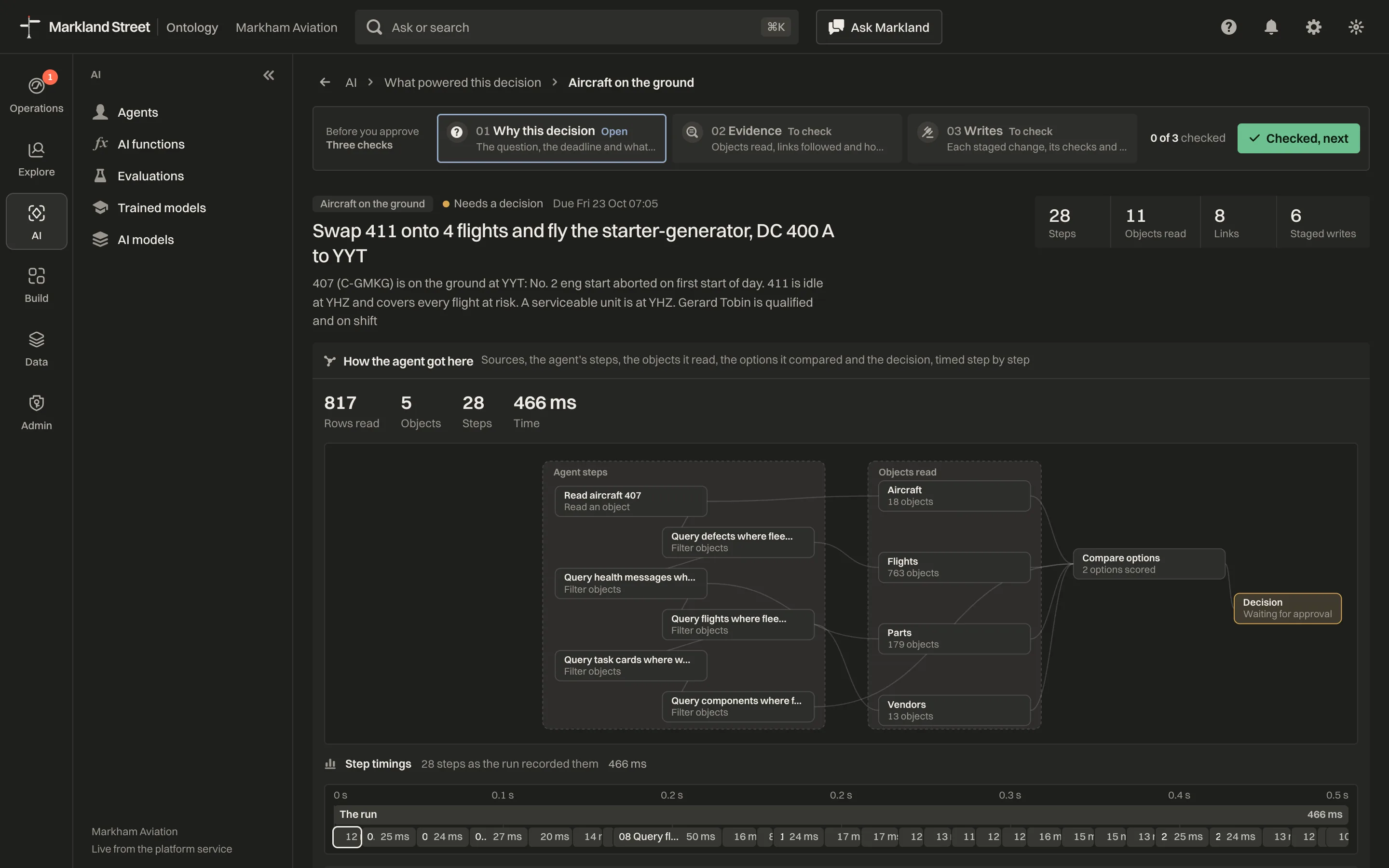
Every option, priced
Agents propose, the simulator prices, people approve
Four workflows, step by step
- Something changesA sale, a sensor reading, a supplier date
- The model updatesStock, forecasts and risks recalculate
- An agent drafts optionsA rule fires and the agent costs each fix
- Changes wait for approvalEach one with its target system
- A person approvesSomeone with the right role, after reading the reasoning
- Systems update and it's loggedERP, tills, maintenance or email, and the action log
A stock-out
Illustrative scenario: a Maritime ice cream maker- The beach shop runs out of strawberry with a queue at the counter
- The shop lead texts the plant manager
- The plant checks a spreadsheet. No reefer is free until Monday
- Stock arrives after 46 hours out of stock
- SignalThe weather feed issues a heat warning for Thursday to Saturday. The port schedule adds two cruise calls, 6,100 guests
- Model updatesDemand forecasts for 36 shop and flavour pairs update. The function
projectedStockOutrecomputes on eachShop - Rule firesThe condition
projectedStockOut < 72 his met for strawberry at the beach shop: Saturday 11:00, with 140 L on hand - AgentStock watch compares a 120 L transfer from the city shop with a $680 Saturday run, and recommends the transfer
- Waiting for approvalERP transfer order TO-4471, 120 L Ontology add a beach shop stop to route 7 POS strawberry par to 60 L Email note to the shop lead
- ApprovalA. Morgan, shift lead, reads the reasoning and approves all four
- LoggedAction log entry 8812: four edits, their parameters, the agent run and the approver
- ResultStock arrives. The beach shop has zero hours out of stock over the weekend
Modelled, not a customer result: 46 hours out of stock avoided, about $3,900 of weekend sales kept
A temperature excursion
Illustrative scenario: a Maritime ice cream maker- Reefer R-12 has been above −15 °C for 10 minutes. Nobody is watching the sensor
- The driver sees the alarm at the junction and calls dispatch
- The lot is held on paper. The form goes to QA
- QA reviews it and writes off 14 cases
- SignalThe R-12 telematics feed reports −14.6 °C, rising 0.4° every 10 minutes
- Model updates
Reefer.temperatureCupdates. The derived propertyminutesToLimitfalls to 25. LinkedBatchB-2291, 14 cases, is flagged at risk - Rule firesThe condition
temperatureC > −15 for 10 minwith linked cargo is met. The cold chain agent starts a run - AgentDoor closed since 10:41, junction 54 min away, West depot freezer 18 min away. It recommends diverting and a QA hold
- Waiting for approvalOntology reroute R-12 LIMS Place QA hold on B-2291, reason Temperature ERP move order SO-5520 to Friday Email Harbourfront shop lead
- ApprovalR. Singh, dispatcher, approves. The QA hold needs the QA role, so it routes to M. Novak, who approves at 11:06
- LoggedAction log entries 8790 and 8791, with both approvers
- ResultThe lot is in the depot freezer at −19 °C. QA releases it at 15:40
Modelled, not a customer result: 14 cases kept, about $2,100 of product
A late supplier
Illustrative scenario: a three-plant aerospace supplier- At the weekly meeting, the buyer reports a forging is late
- The planner rebuilds the schedule in a spreadsheet
- Air freight is booked for $14,200
- One order still ships late, with an $8,500 penalty
- SignalThe supplier’s advance ship notice moves PO 88213 from October 22 to October 31
- Model updates
PurchaseOrderLine.expectedDateupdates. Link traversal from the PO line toPart,WorkOrderandSalesOrderfinds three orders at risk - AgentSupply watch compares resequencing line 2 (all three on time, 6 hours of overtime) with air freight ($14,200, two of three on time). It recommends resequencing
- Waiting for approvalMES swap WO-311 and WO-318 on line 2 ERP move the receipt to October 31 Ontology clear the risk flag on SO-2210 Email buyer and planner
- ApprovalJ. Okafor, planner, approves. The part carries the ITAR access label, so only cleared staff could open its drawings in the trace
- LoggedAction log entry 3307
- ResultAll three orders ship on time with no air freight
Modelled, not a customer result: $14,200 of air freight and an $8,500 penalty avoided
A busy weekend
Illustrative scenario: a Maritime ice cream maker- Production is planned from last year’s sales
- A heat wave arrives and two cruise ships dock
- Seven shop and flavour pairs run short. Others are over-made
- SignalThe planner opens a scenario: a branch of the live data that nothing else can see
- Model updatesIn the branch, the forecast rises 35%, Thursday gets 6,100 cruise guests and the cream delivery slips 12 hours
- Agent
projectedStockOutrecomputes for 36 pairs; 7 fall under 24 hours. The agent drafts +900 L strawberry and +400 L vanilla on Thursday’s shift, plus three transfers - Waiting for approvalMES two production order changes ERP three transfer orders
- ApprovalThe plant manager reviews the branch and merges its actions into the live Ontology. The other two scenarios are discarded
- LoggedScenario merge S-118, five actions
- ResultAll 36 pairs stay above their minimum cover
Modelled, not a customer result: 0 of 36 pairs short against 7, and 18% less over-production
Approval and audit
Agents do nothing on their own by default. Every change records who approved it
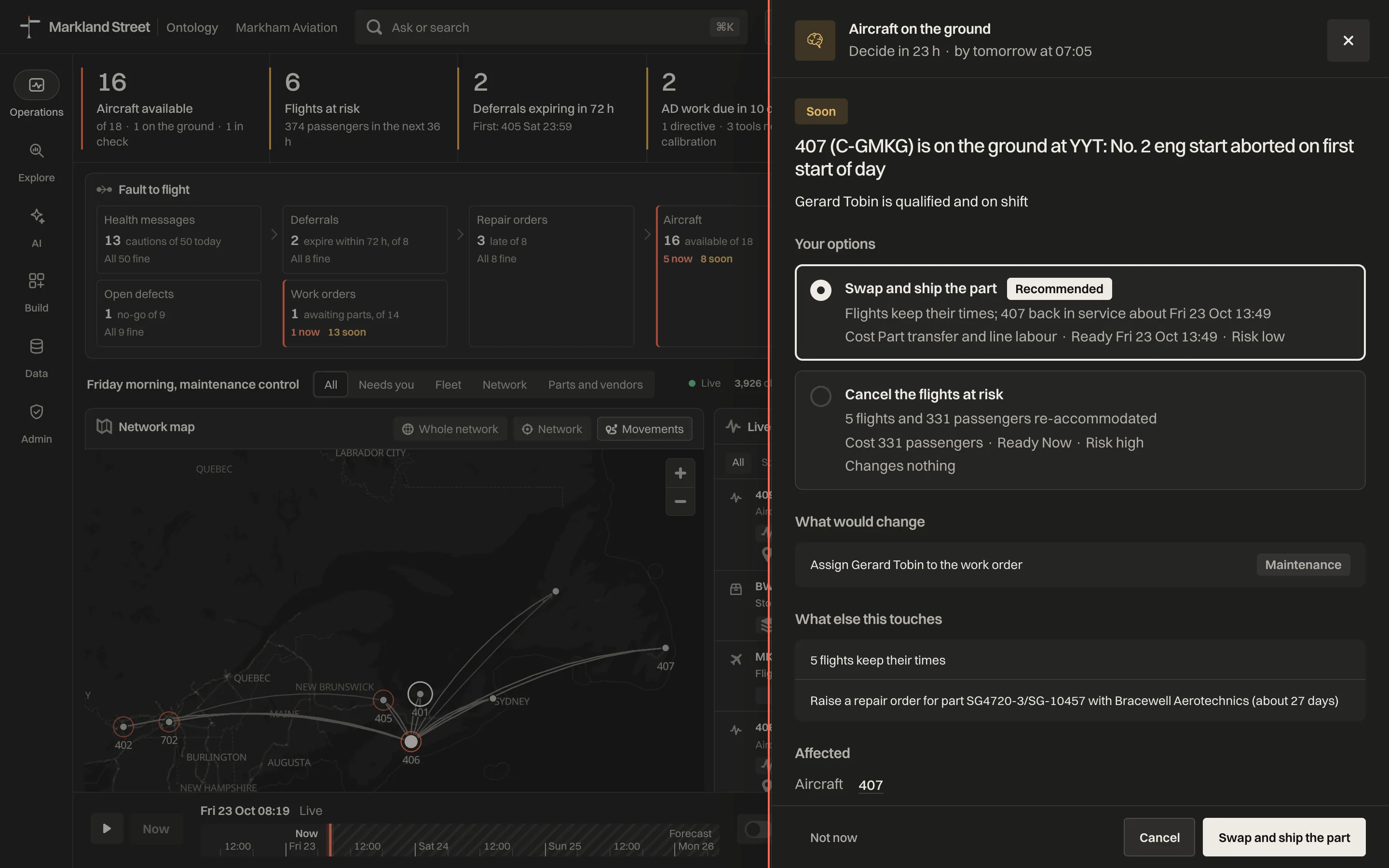
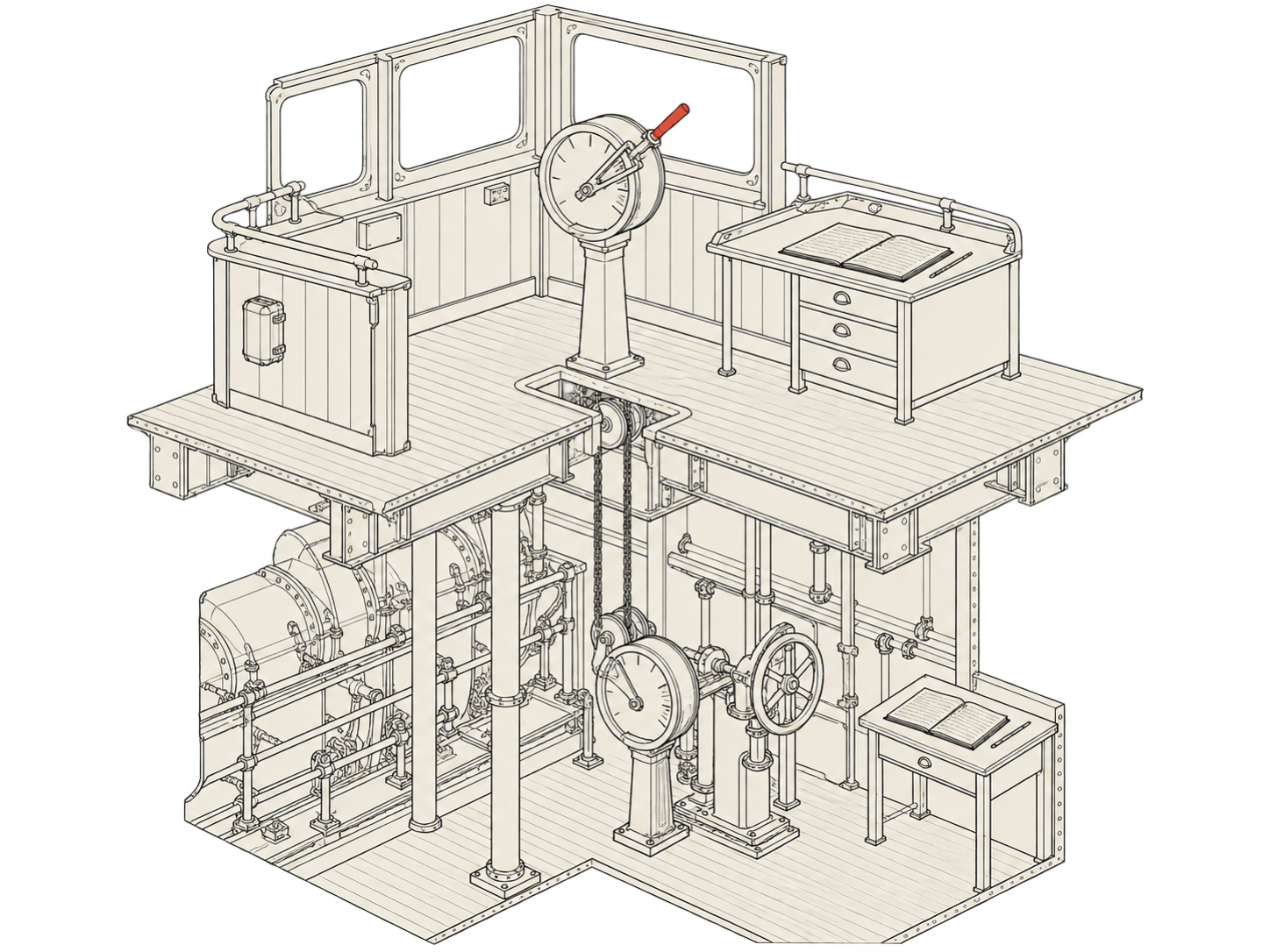
- Approve in one placeOn the operations view or a phone, one change or many
- Two people when it mattersA second approver, and a refusal if the record changed since
- A record of every changeWho approved it, when, what they saw and what it touched
- Who can see whatRole-based, down to a single field. Agents never exceed their person
- Written to your systemsThrough each system's own API, with retries, rate limits and a record of every call
- UndoReversed as a new entry, with each system's own undo call
- What each decision was worthRecorded at approval, checked later, summed in a weekly brief
- Alerts where you workEmail, Slack and Microsoft Teams, plus signed webhooks to your own systems
For your suppliers
Suppliers keep their own orders current in their own portal. Available as an add-on
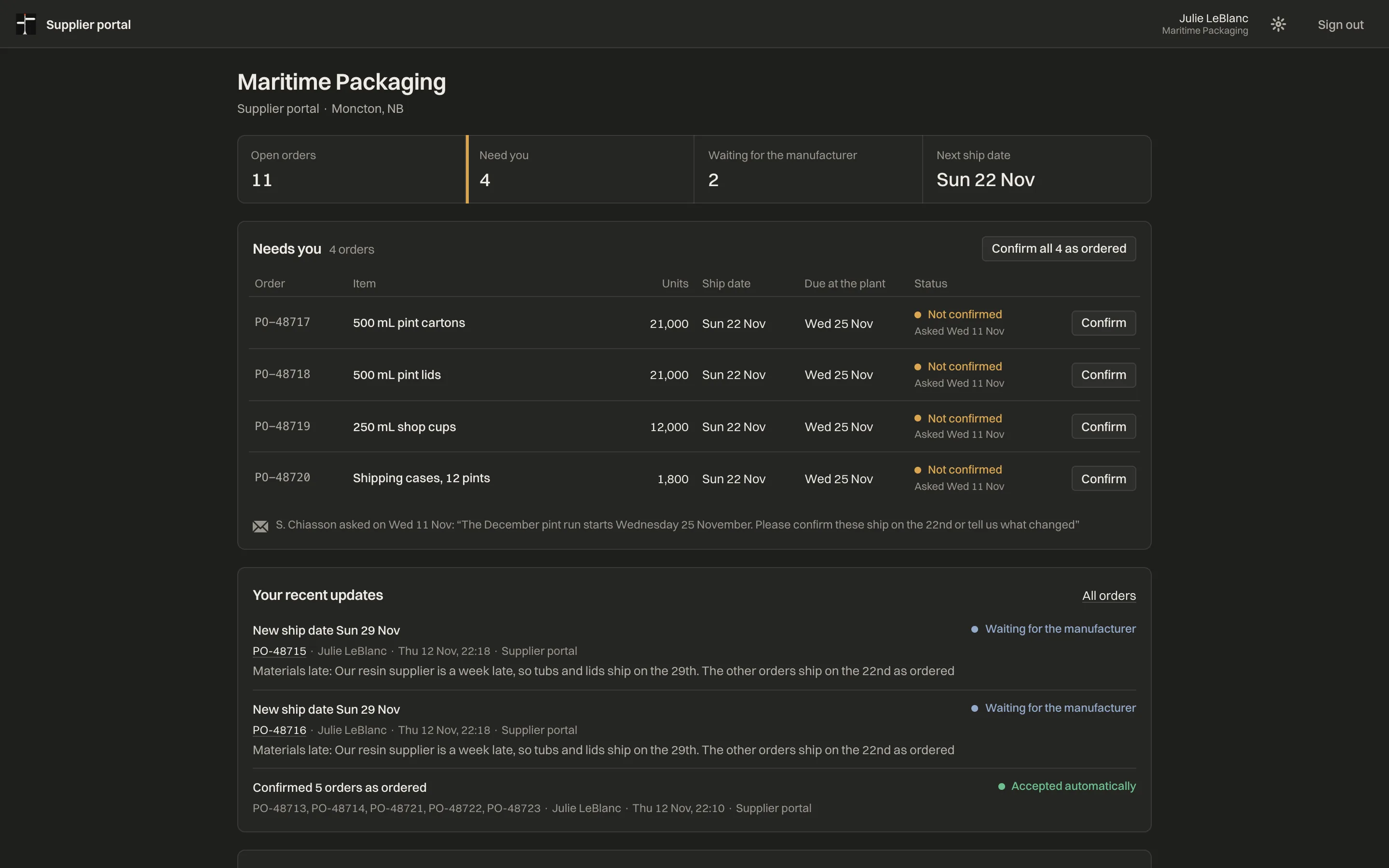
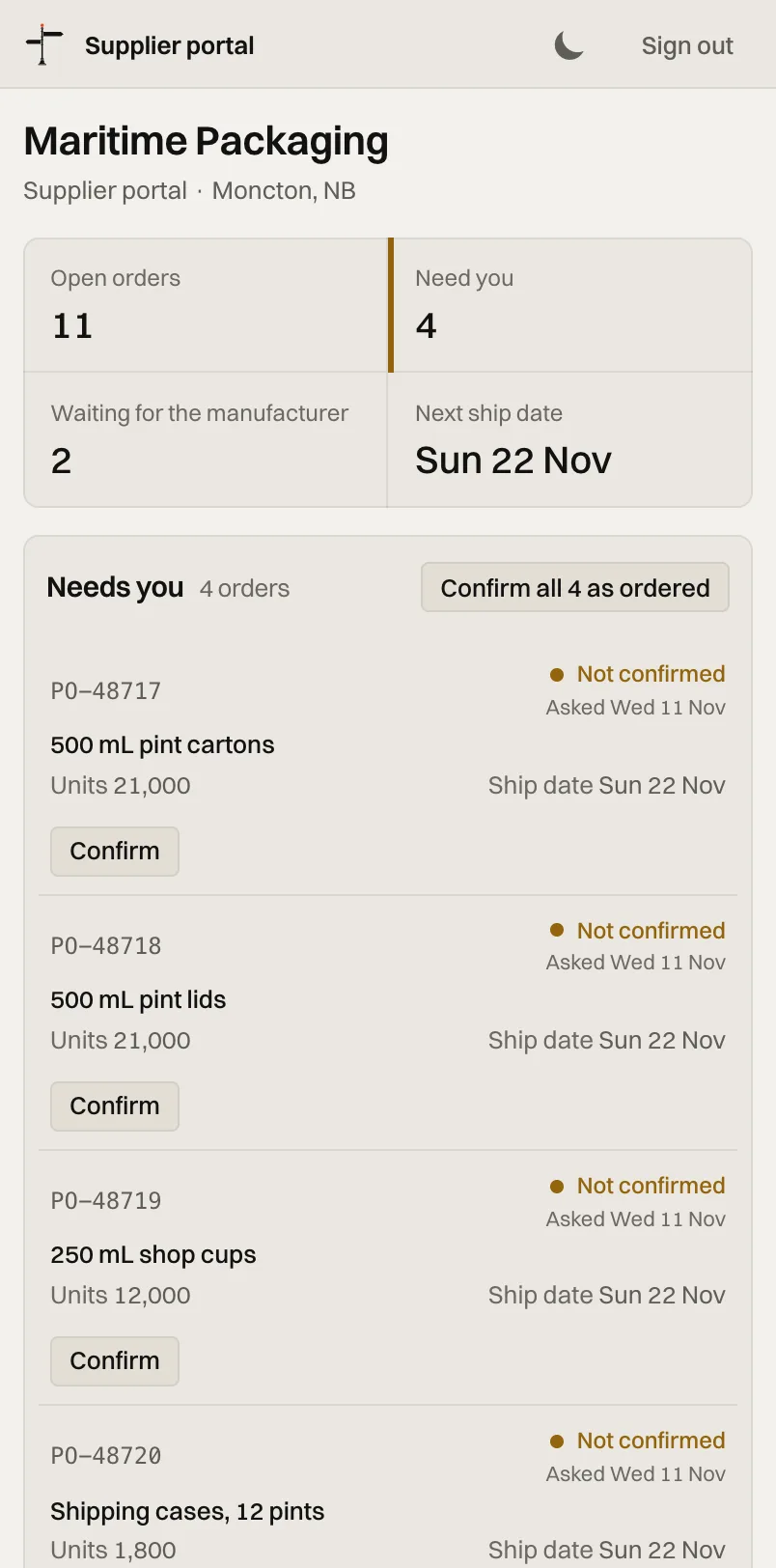
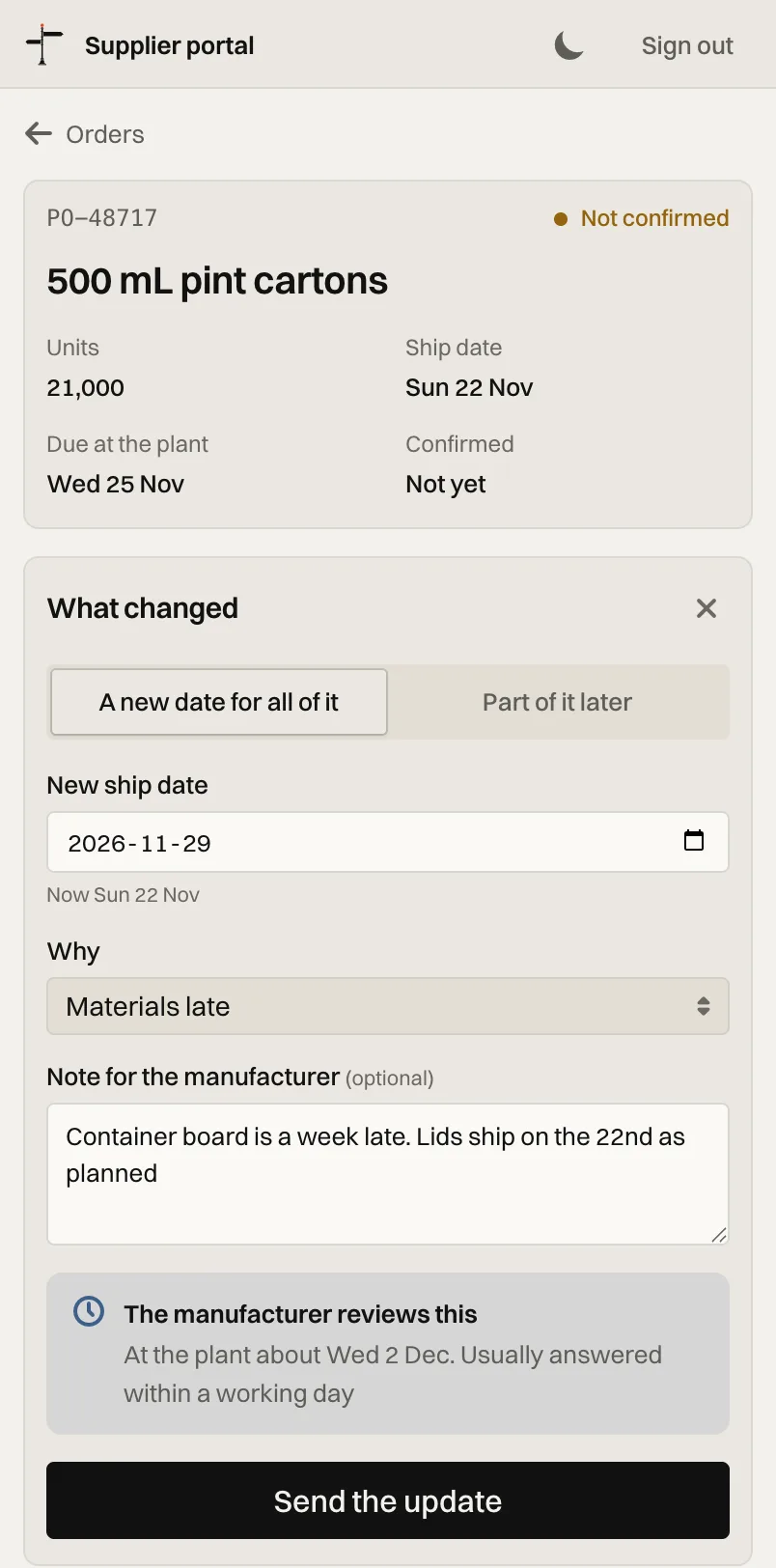
Illustrative: a packaging supplier to a Maritime ice cream maker, on sample data
- Confirm in one tapIn the portal, or from an email link that needs no sign-in
- A new date or part of it laterWith the reason, and when the order will now reach you
- Your rules decideRoutine updates are written back at once. The rest come to a person
- Followed up each morningAn agent drafts requests to suppliers who haven't answered
- Only their own ordersTheir own orders and on-time record, never your costs or other suppliers
For your analysts
The full platform sits under the same screens, with the same permissions and the same log
- Import from a spreadsheetUpload, preview, map columns and keys, then review the plan
- Pipelines with checksSQL steps, schema contracts and checks that stop a bad build. Rejected rows are quarantined and replayed
- Runs overnightScheduled or event-triggered, with retries, no overlap and rollback to any earlier build
- Data health and monitorsLate, short, failed or quiet feeds flagged by severity before anyone relies on them
- SQL workspaceRead-only SQL over the tables you're allowed to see
- Data branchesTest a change or an agent on a branch of the data, then merge or discard
- Model changesRename, retype or remove a property, and choose what happens to people's edits
- CatalogueEvery table and metric, with its owner and one agreed definition
- Python and TypeScript clientsTyped clients generated from your model, and notebooks over the same permissions
- Trained modelsTrained on your history, gated by tests and sign-offs, tracked for accuracy and retrained
For your IT team
How it's built, how it's secured and the full technical documentation
See it on a model of your operation